Service
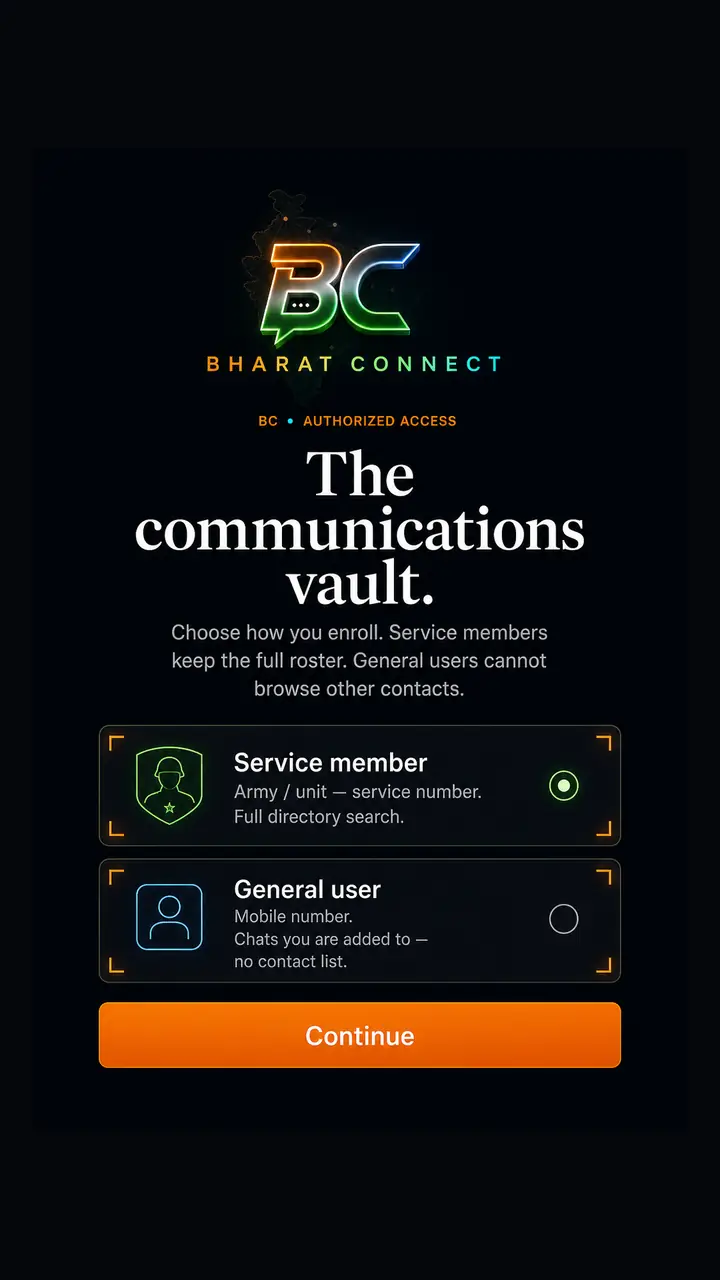
Service number. Full directory. You start the chat.
 Bharat Connect
Field signal · India
Encrypted command for the unit. On the net — or on nearby mesh when the net is gone.
Field
Service number. Full directory. You start the chat.
Mobile number. Same vault — no contact list. You join when called.
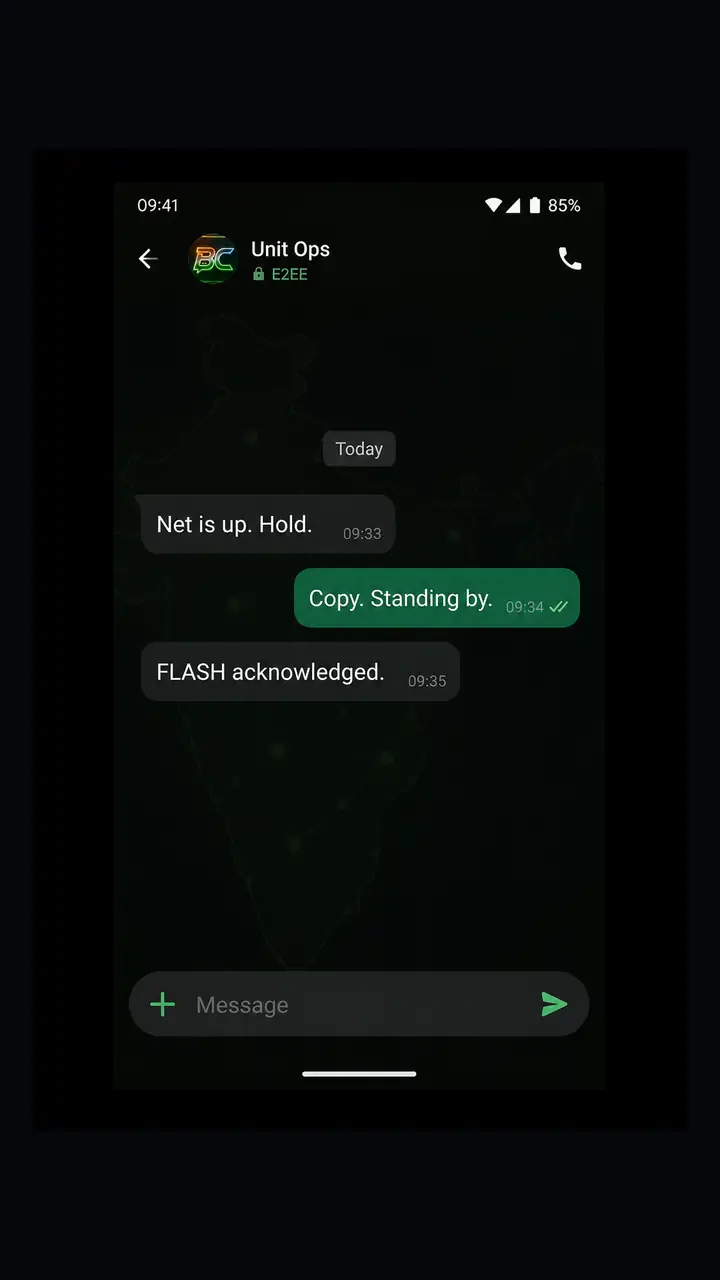
1:1 and groups. Sealed on the phone.
Direct call. No video. No cloud listening.
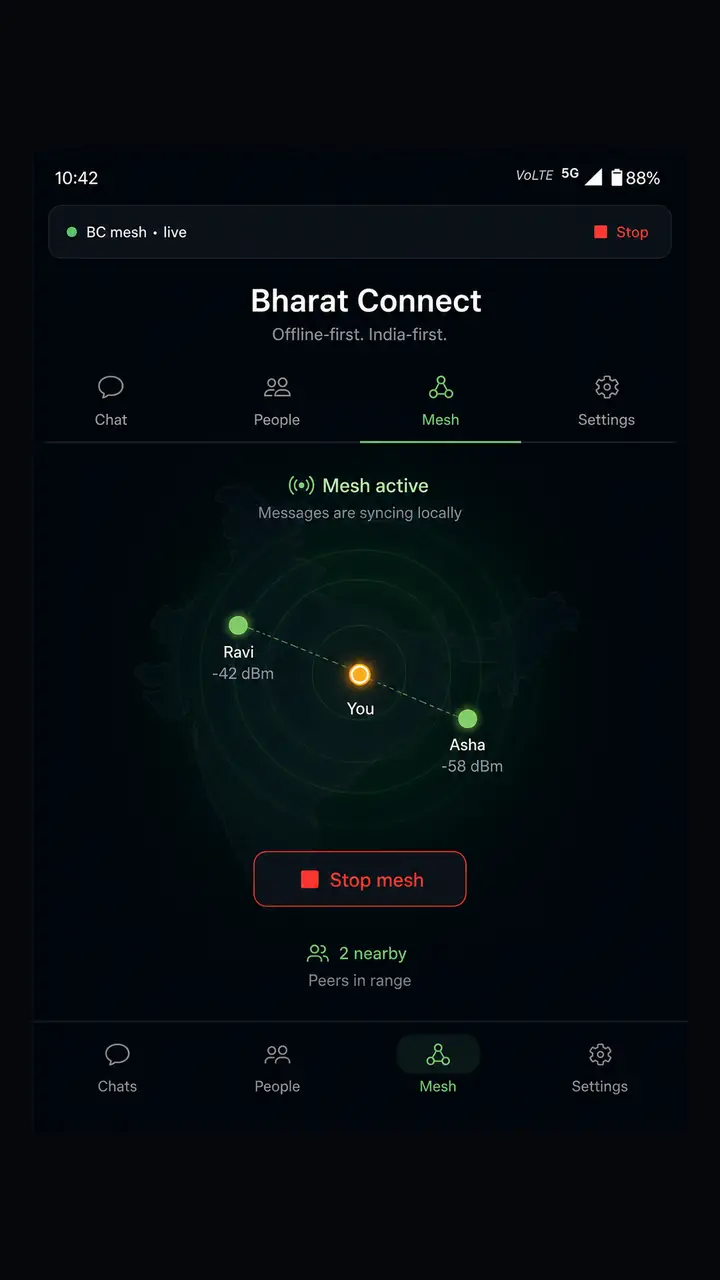
Bluetooth hop to nearby approved sets.
FLASH alerts. Lock. Wipe.
Handset
Enroll. Clear. Talk. Hop. Lock. Hover to hold a screen — or pick one below.
Standing orders
Secure
Wipe the phone — the history is gone. By design.
Ciphertext only. No ads. No tracking ID.
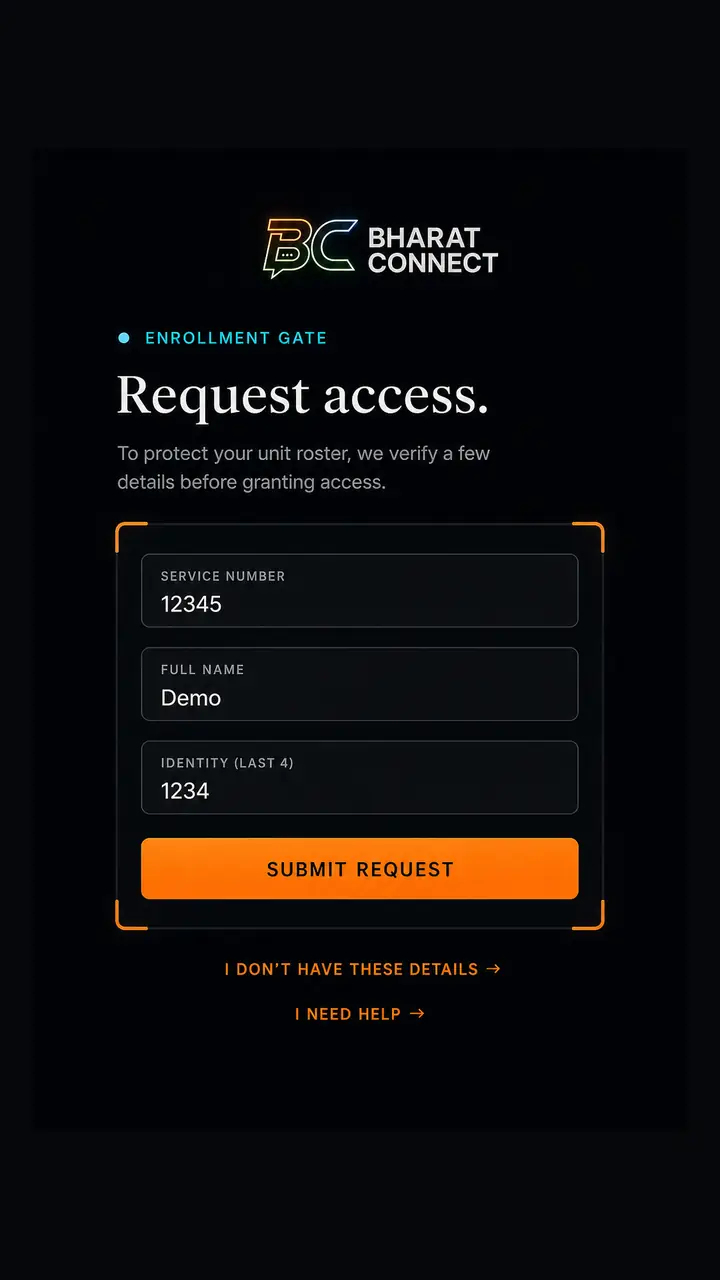
Service last-4 hashed. Or a mobile. Never full Aadhaar.
Approve, revoke, lock, wipe — every action logged.
Signals
No. Bharat Connect is an independent product. It is not an official app of the Indian Army, Ministry of Defence, or any government. Units that use it enroll through their own officer.
Only people an officer approves. Service members enroll with a service number and can search the directory. General users enroll with a mobile number and cannot browse that directory — a service member starts the chat.
Install the app, choose Service member or General user, submit your details, then wait. An officer has to clear you. After that you set a 6-digit PIN on that handset. There is no public sign-up.
Chat and voice use the unit Core when you are online. Nearby mesh over Bluetooth keeps approved handsets talking when the net drops — you start mesh from the app. It is not a nationwide always-on radio.
Conversation keys live in the device vault, bound to your PIN. Wipe the phone or use panic wipe — local history is gone by design. The Core stores ciphertext and account records, not readable chat.
There is no email reset. Tell your verifying officer so they can lock or wipe the session from the command console. For a forgotten PIN they issue a reactivation code, then you set a new PIN.
Location while using is for the India geo-fence on field operators. Bluetooth / Nearby is only for mesh when you start it. No advertising ID. Screenshots and recents previews are blocked on the handset.
Settings → Delete account in the app, or ask an officer to remove your directory entry. Written steps are on this site under Delete account. Privacy policy is linked in the footer.
Still stuck? Support · Delete account
Issue
Install. Enroll. An officer clears you. Then you are on the net.
Independent product — not an official government or defence app. · Privacy · Support